
Computational thinking
Break a complex challenge into smaller steps, patterns and decisions.
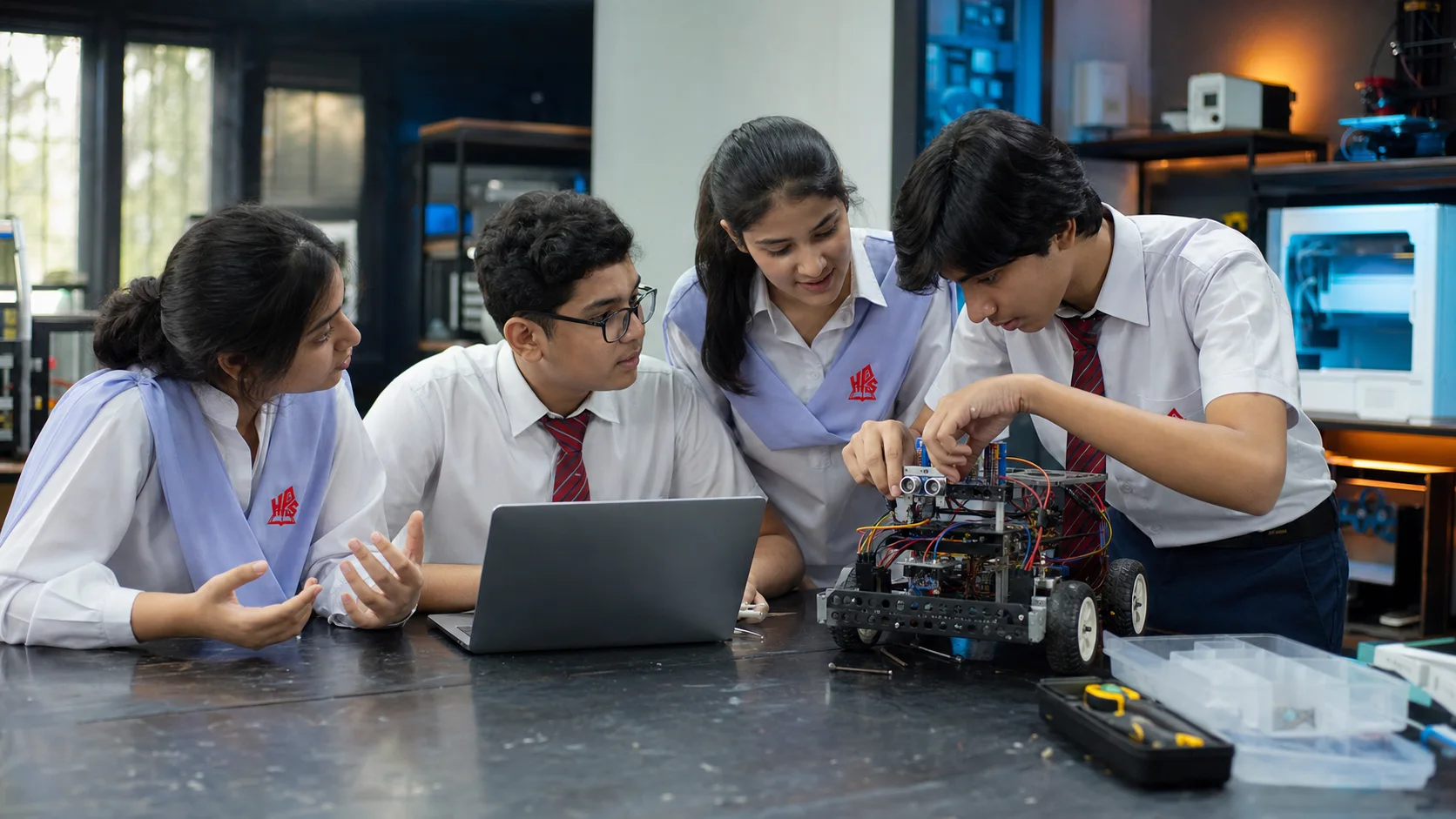
Robotics & STEM LearningDesign · code · build
Students learn how intelligent systems work by creating them—turning questions into prototypes, code into movement and mistakes into better decisions.
Why robotics now
A robot makes thinking visible. Students can see the connection between a sensor, an instruction and a physical response—then change the system and test the difference.
This is not about memorising one kit. It is about learning a transferable process: investigate, design, build, program, test, explain and improve.
Interactive mission / 01
Select each stage to see the sense–decide–move–improve loop in action.
Input detected
The learning cycle / 02
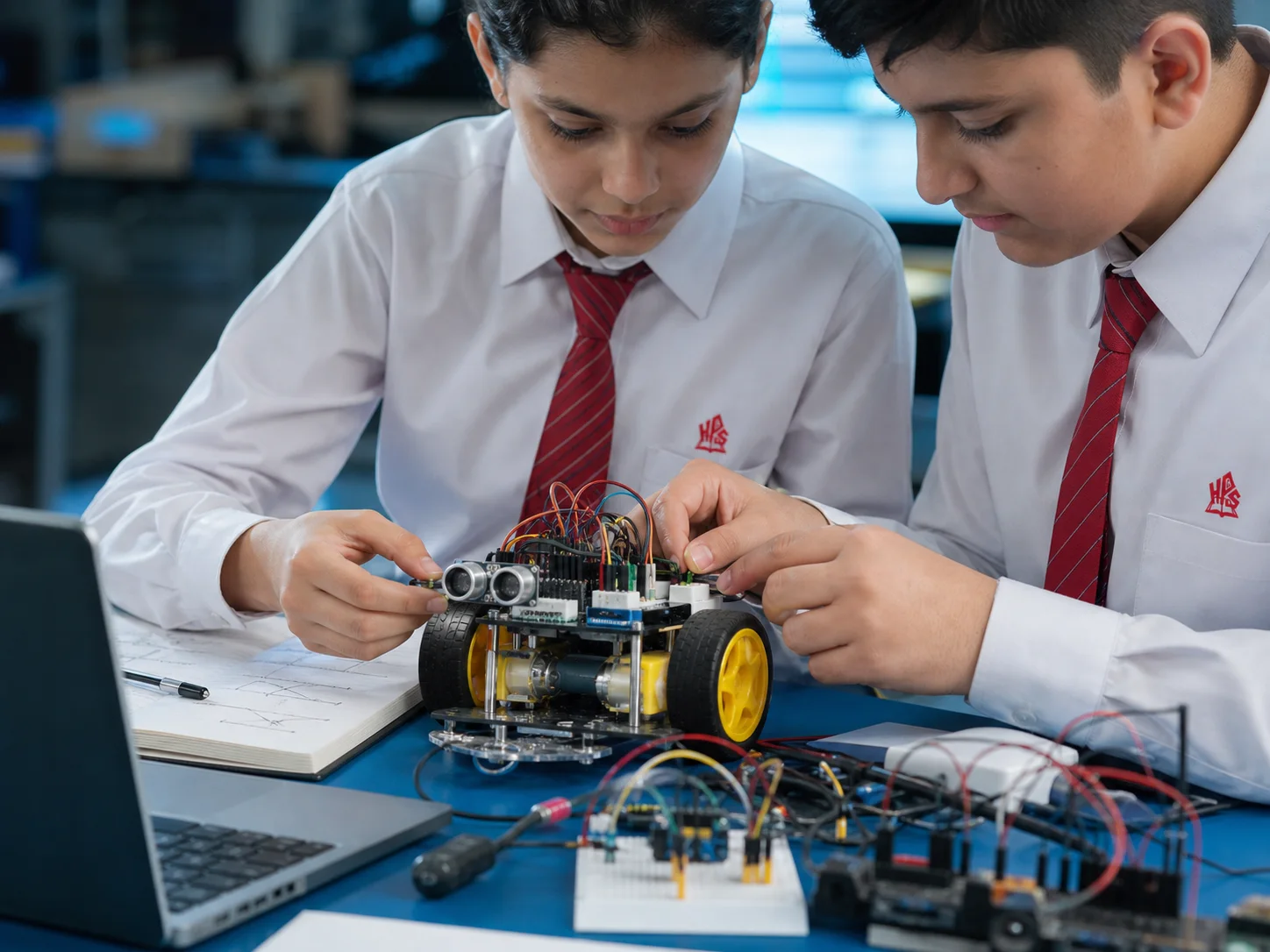
Students move through a repeatable engineering loop. The result matters, but the reasoning behind it matters more.
Understand the problem, ask better questions and sketch a possible route.
Choose components and turn the idea into a physical, testable prototype.
Create clear instructions so the system can sense, decide and respond.
Observe what actually happens, record evidence and locate the fault.
Refine the design, explain the change and try the mission again.
Capabilities / 03
A strong robotics experience connects technical knowledge with communication, judgement and the confidence to keep improving.
Break a complex challenge into smaller steps, patterns and decisions.
Explore sensors, power, inputs and outputs through age-appropriate builds.
Balance function, materials, constraints and iteration in a working prototype.
Share roles, listen to evidence and communicate decisions with a team.
Document a process and explain not only what worked, but why.
Use digital tools thoughtfully, verify results and protect privacy.
Challenge mode / 04
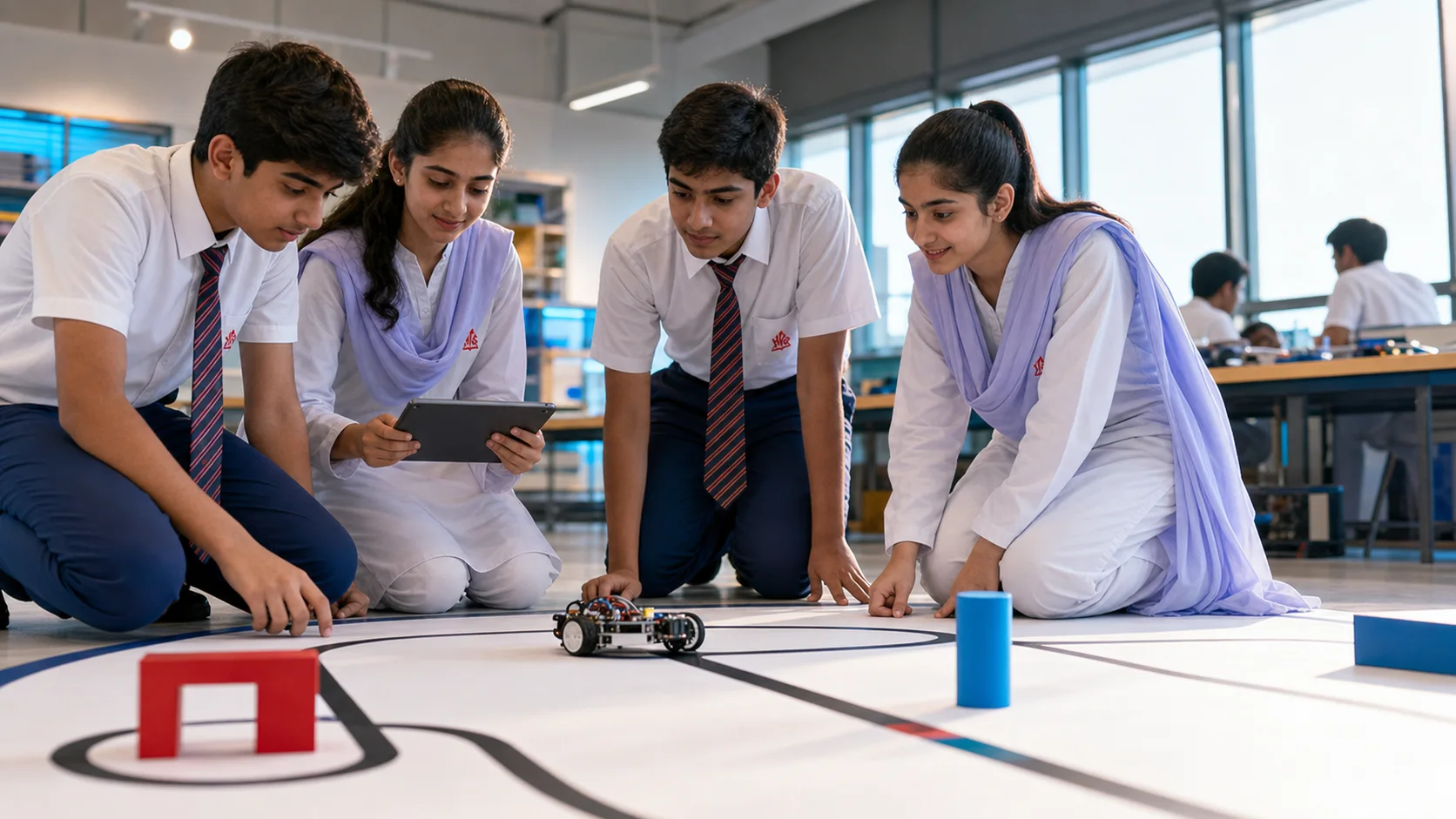
A challenge field turns knowledge into a shared engineering conversation. Teams plan a route, predict behaviour, test the robot and defend each change with evidence.
Activities, equipment and competition opportunities can vary by learner age, campus and the current programme.
Responsible innovation / 05
Future-ready learning also means knowing when to question a tool. Students are encouraged to verify results, protect personal information, recognise limitations and explain the human decisions behind a digital outcome.
Real HPGS moments / 06
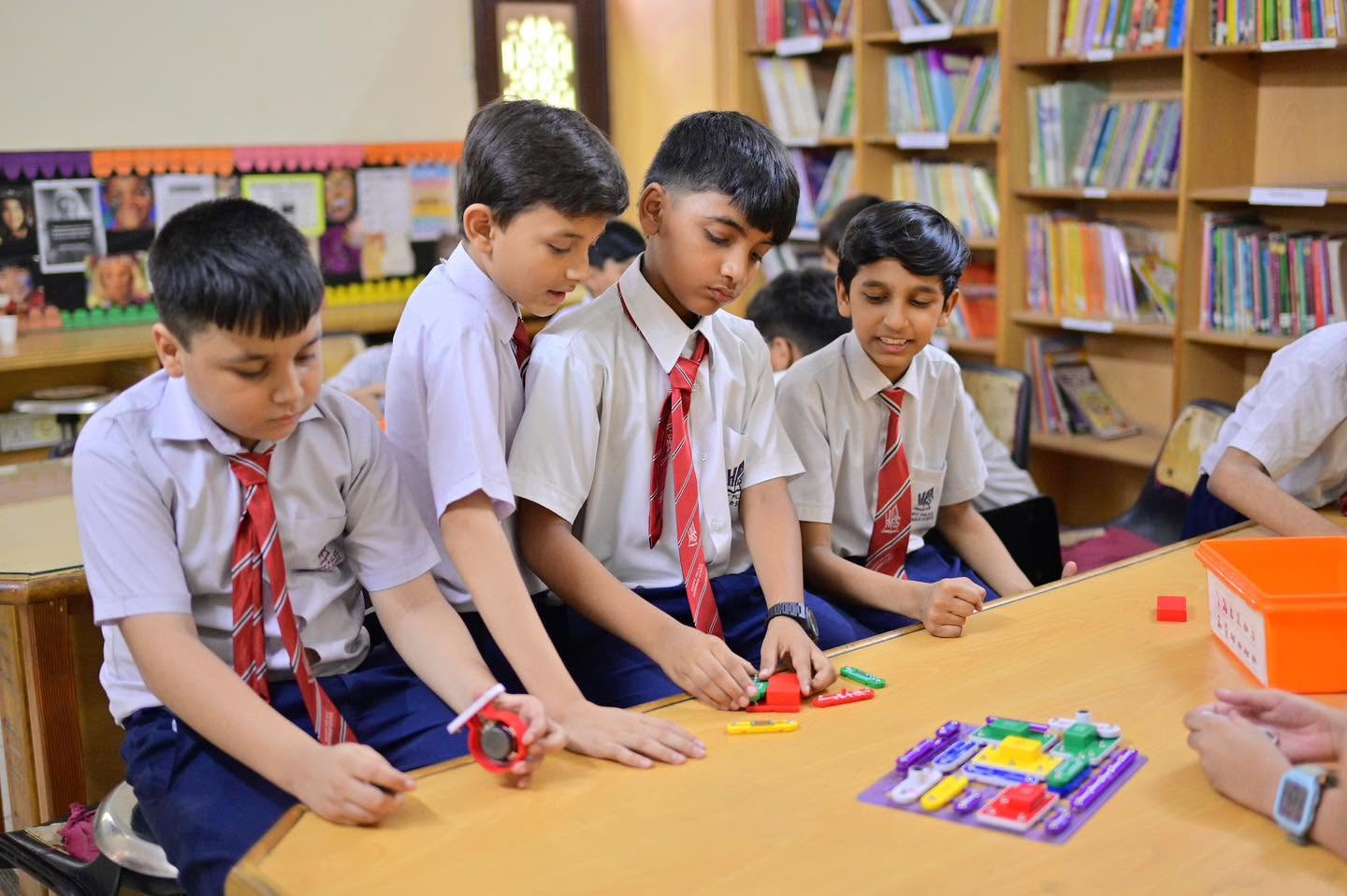
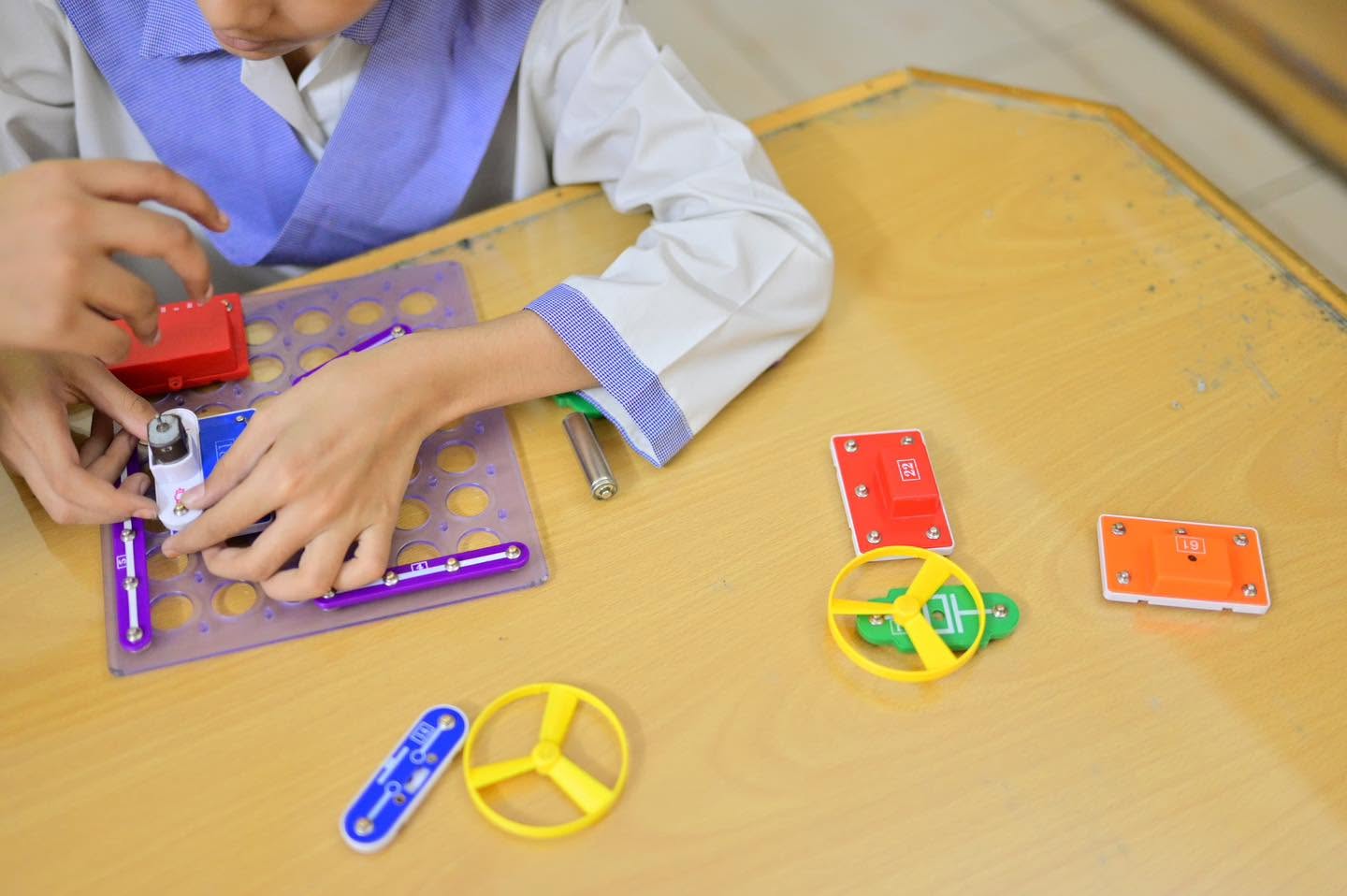
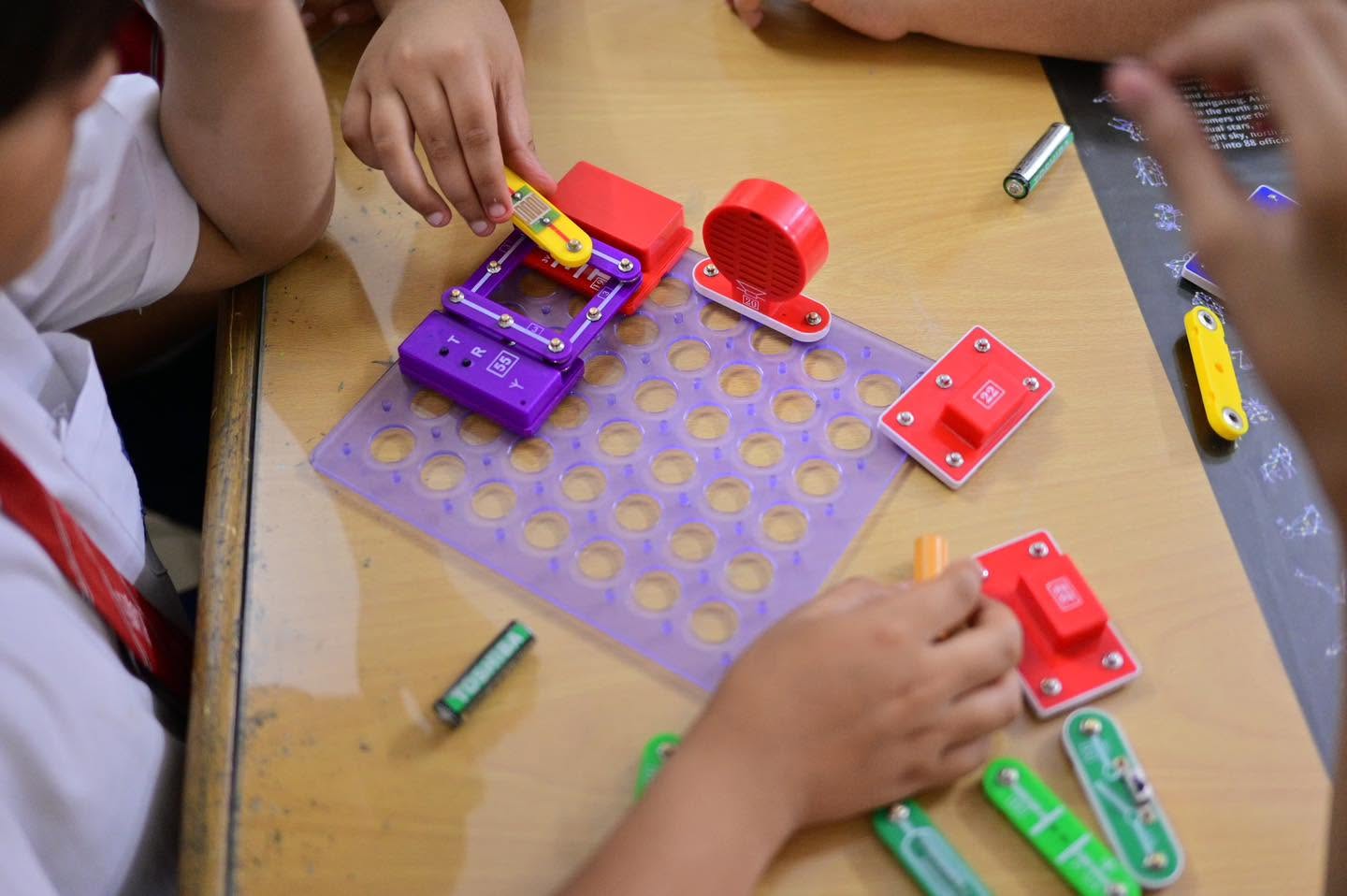
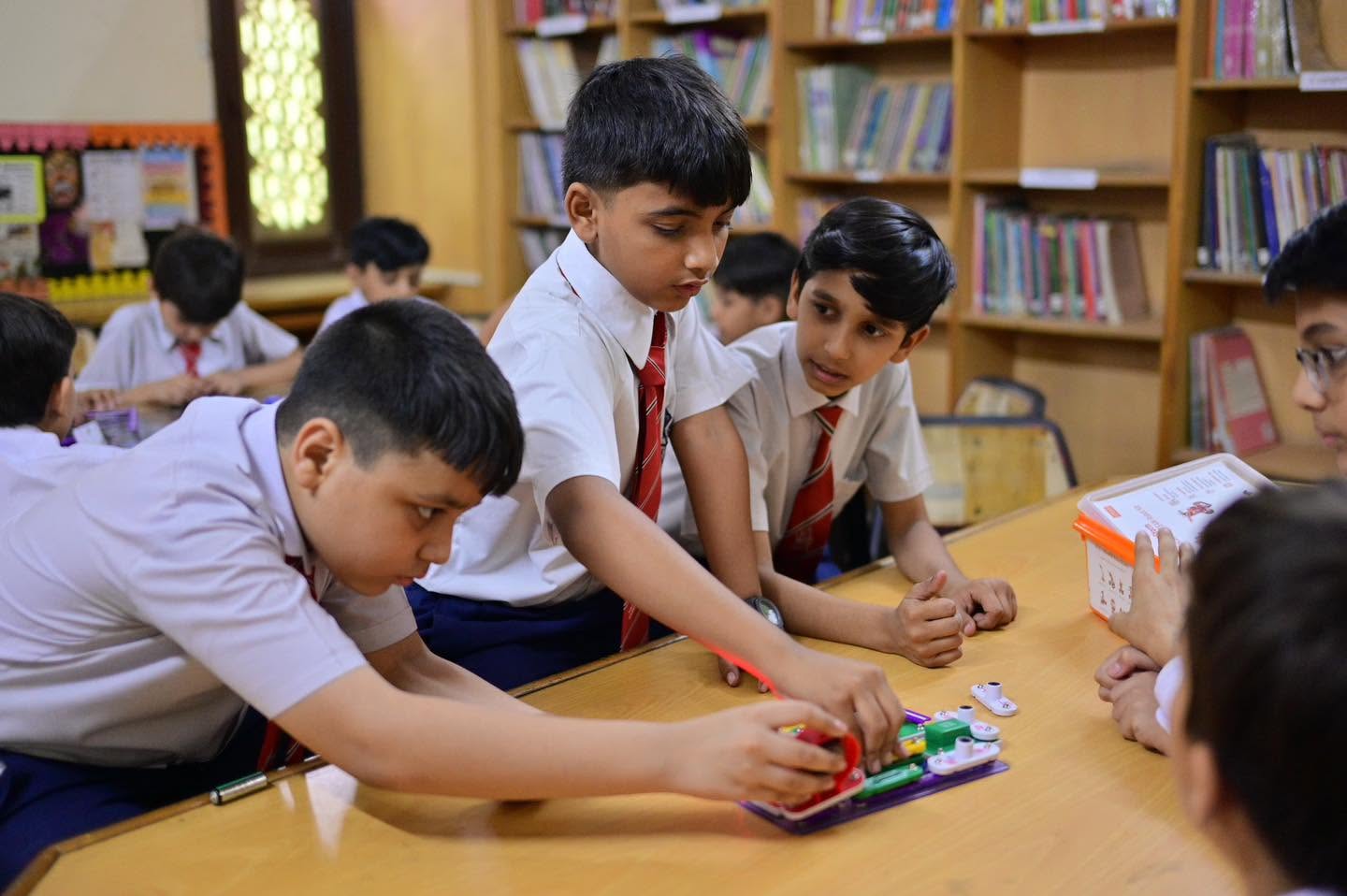
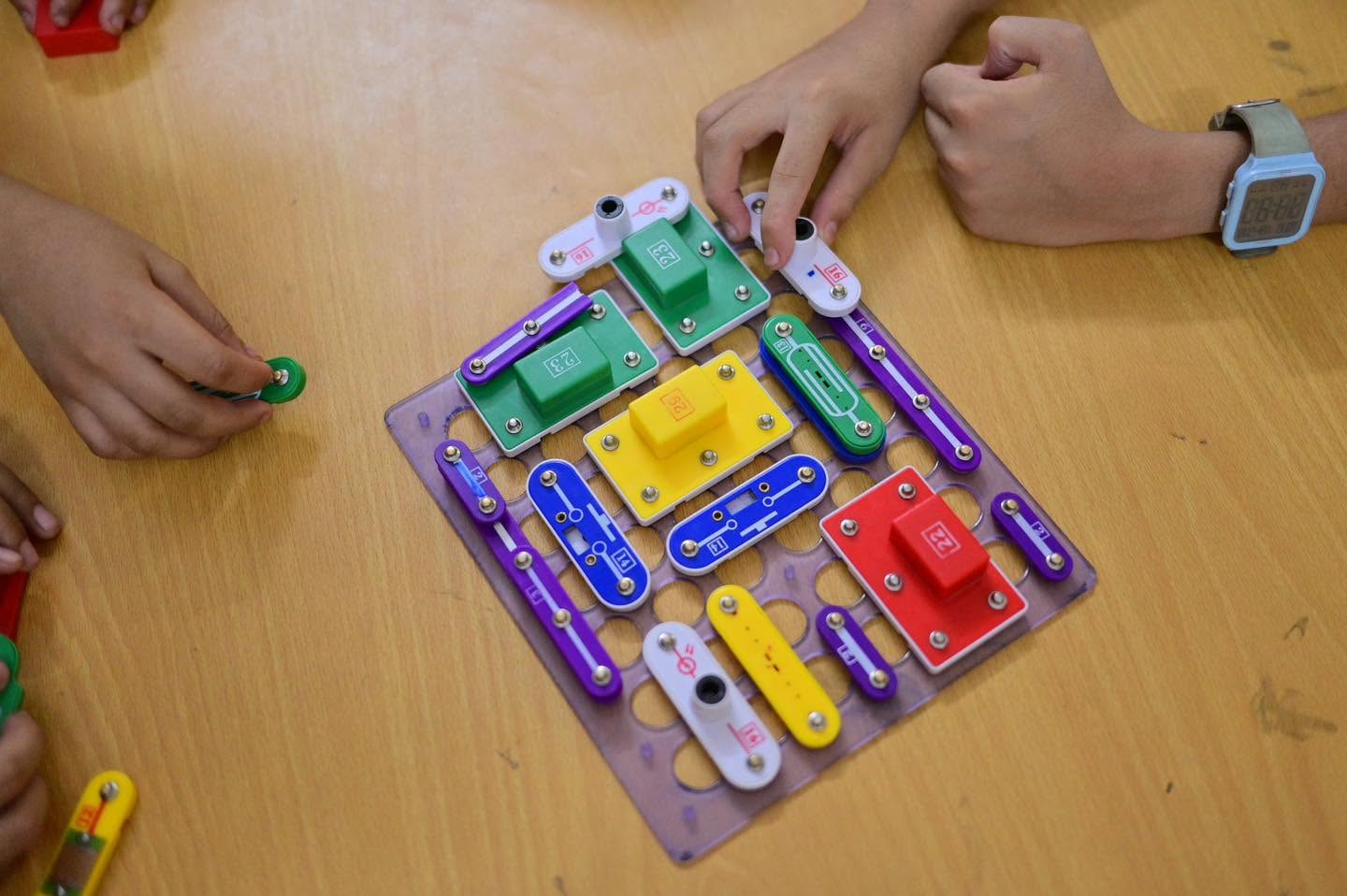
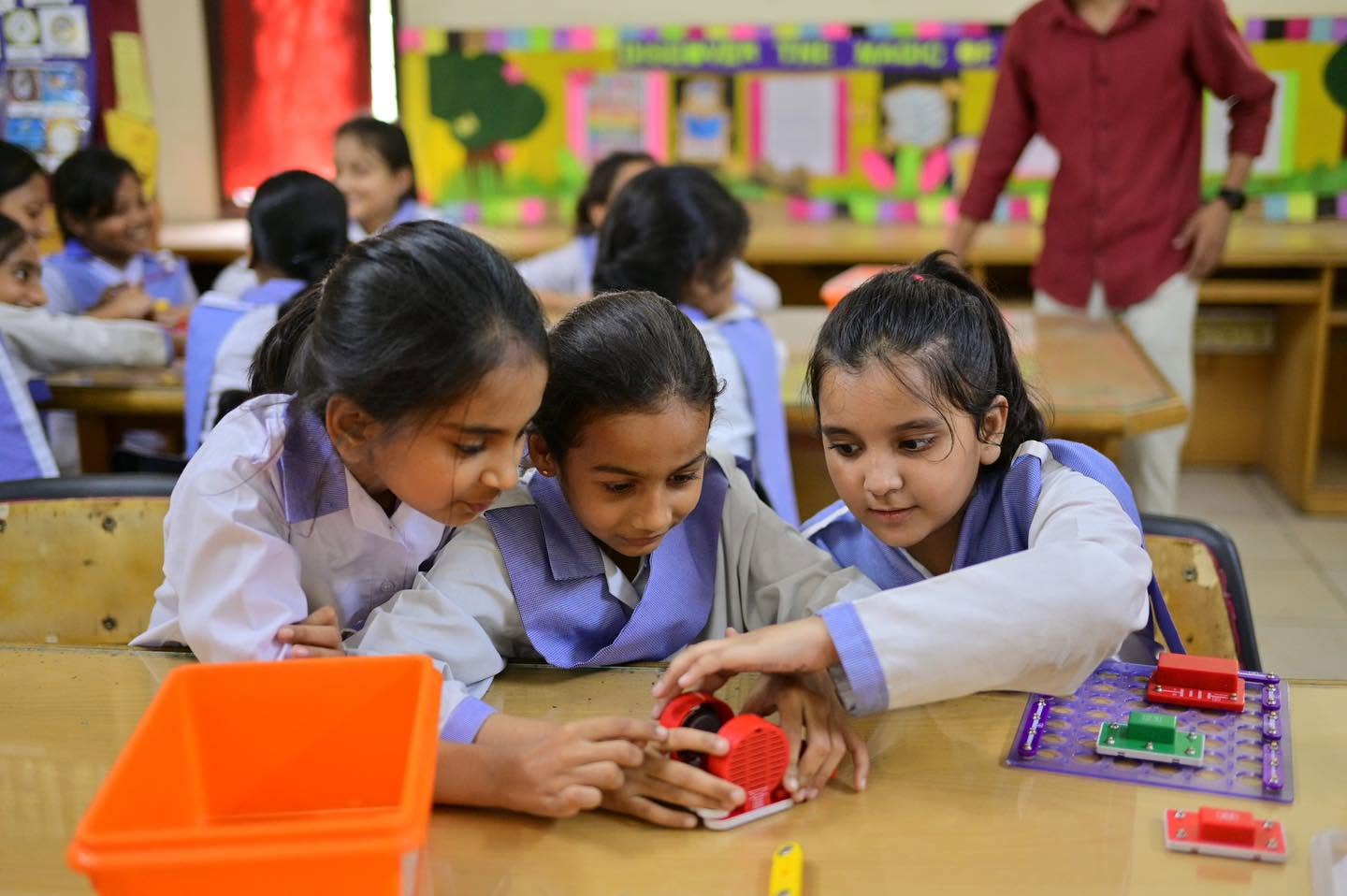
These real classroom moments show the early habits behind later robotics work: careful connection, shared attention, testing and explanation.
Questions / 07
Current campus communication remains the final source for schedules, age groups, equipment and availability.
Find your campusStudents practise age-appropriate problem solving, computational thinking, basic electronics, design, testing, teamwork and technical communication. The exact tools and projects depend on the learner stage, campus resources and current programme plan.
Availability may vary by campus, age group, timetable, facilities and the current activity or curriculum plan. Families should confirm the latest provision with their selected campus.
No previous experience is normally needed for introductory opportunities. Tasks can begin with guided exploration and progress toward building, programming, testing and explaining a solution.
Technology is treated as a tool for inquiry and creation. Learners are encouraged to verify results, protect privacy, recognise limitations, document their process and use digital tools safely and responsibly.
Families can contact their campus, speak with the relevant teacher or activity lead, or use the official HPGS Connect enquiry route. Current campus communication confirms schedules, eligibility and availability.
Ready to explore HPGS?
Ask about the learning pathway and current robotics or STEM opportunities available for your child’s stage and preferred campus.
Admission enquiries and applications now continue through the HPGS Connect portal, where families can share their details and select the appropriate campus.
Open the secure online portal to start your admission enquiry or application.